
Help
Share a page or a passage
Where: Share in the bar, Share this page at the foot of a part, and any selected text.
- Press Share (or Share this page). On a phone this opens the phone’s share sheet. On a computer it copies the address of the page and says Link copied.
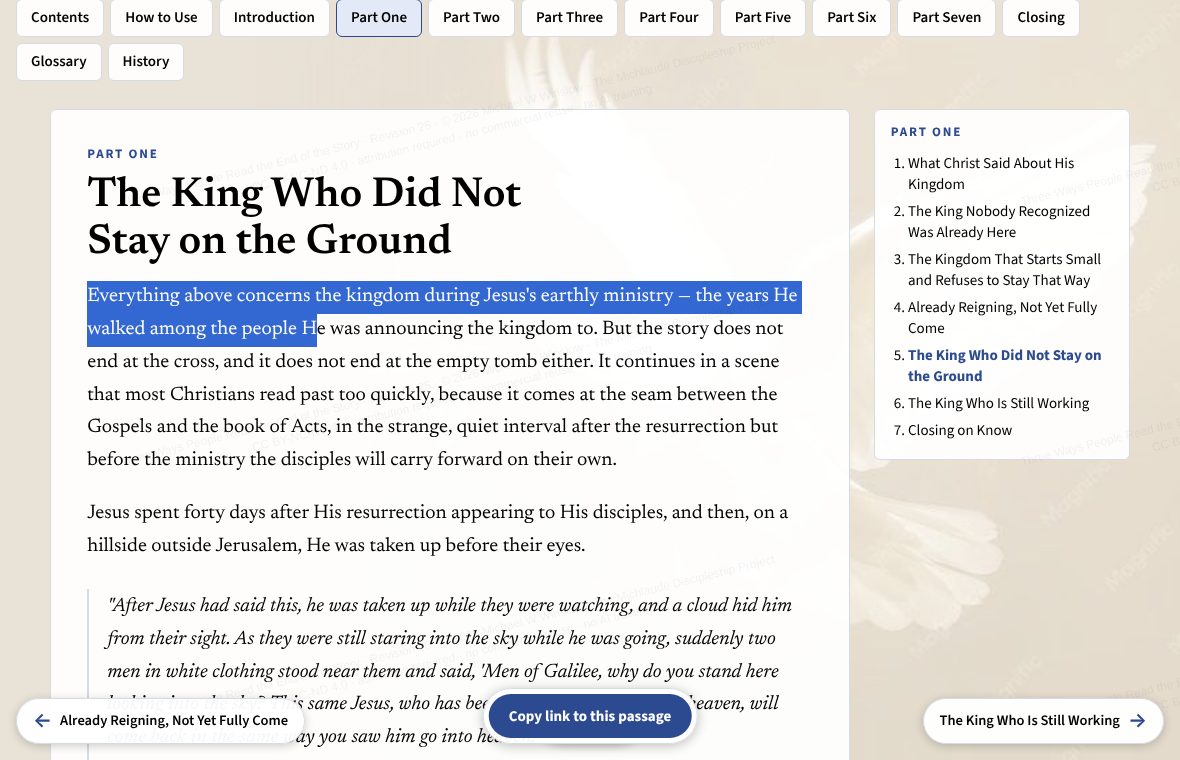
- To share a passage, select the words you want. A small bar appears with Share this passage; it copies the passage together with a link. Anyone who opens the link goes to that page with the passage marked.