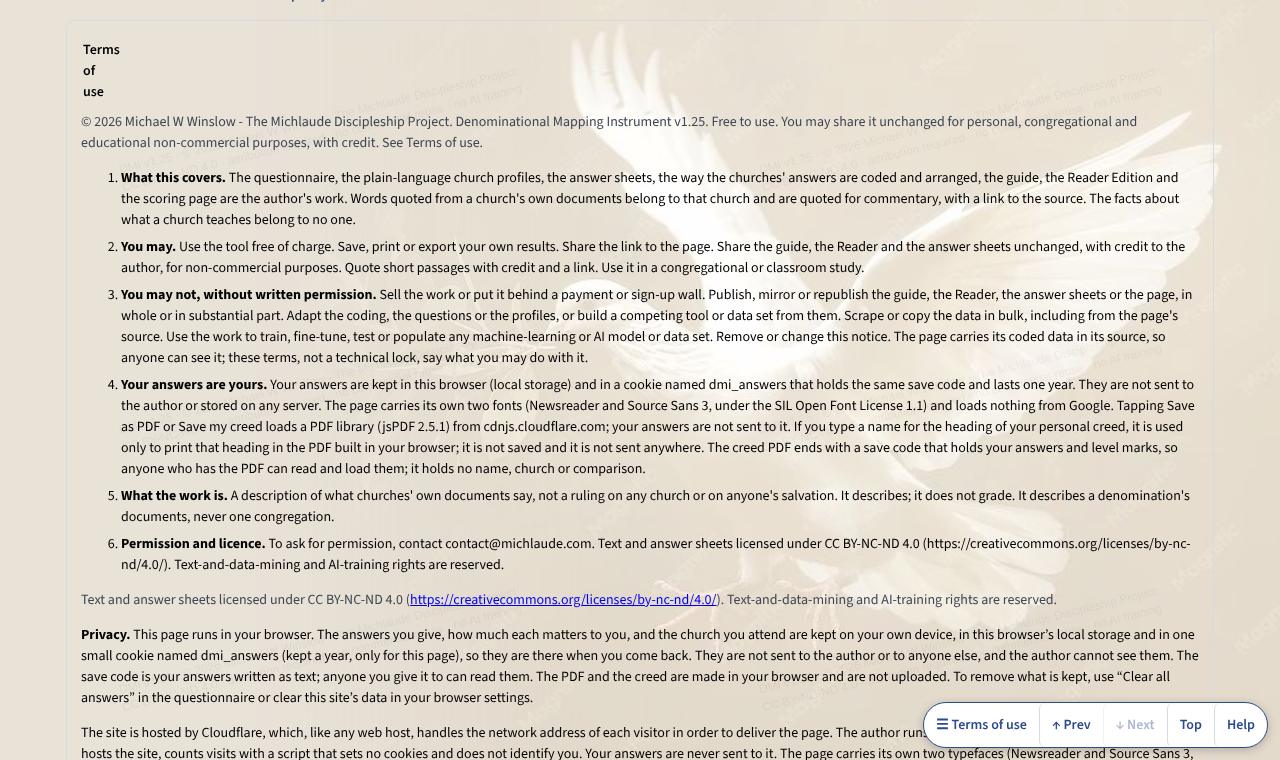

Help
Find your church (the Denominational Mapping Instrument): part by part
On the DMI page itself, the Help button in the bar at the foot of the screen (or the ? key) opens a short note about the part you are in. These are the same notes.
- The top of the page
- The start of the guide. Press Start the questionnaire to begin. Under it, Answer one question at a time (on a phone) shows one question per screen, How it works opens the guide to using the page, and The 26 churches jumps to the profiles. The links below them jump to any part of the page, and Moving around this page opens a list of every part.
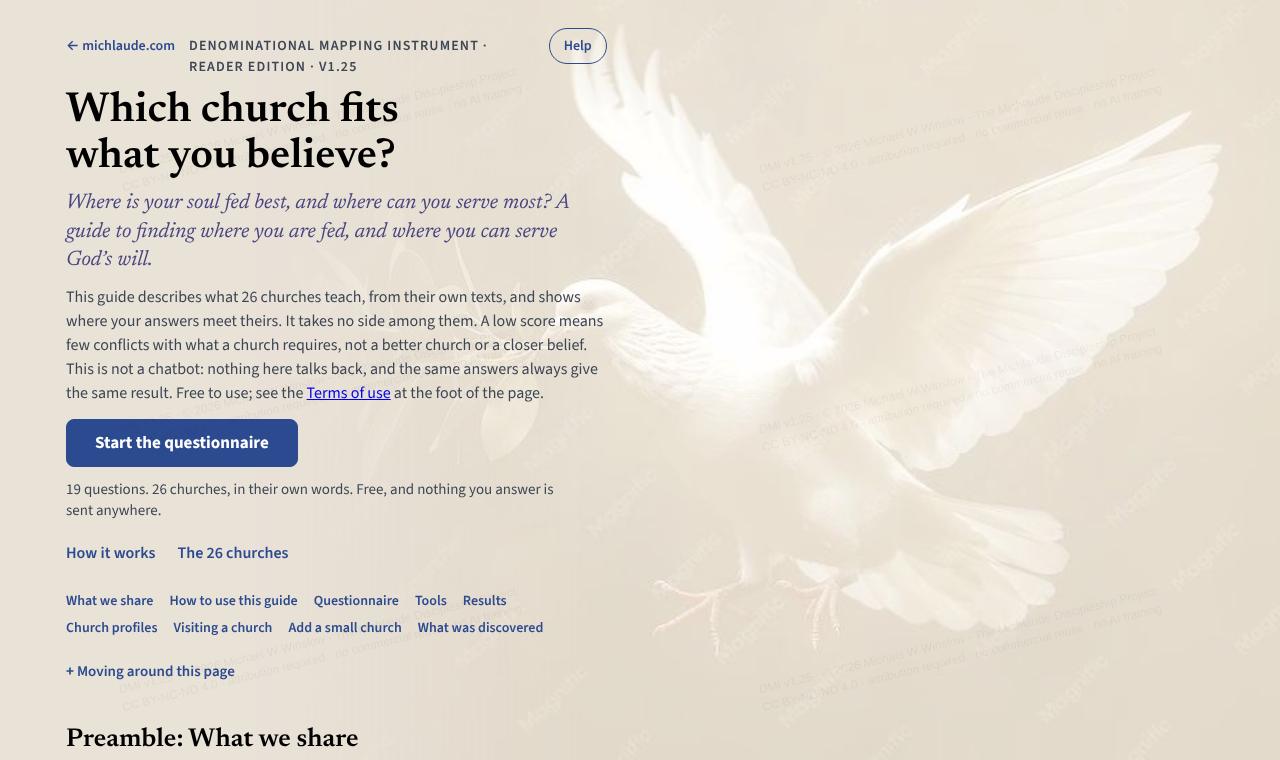
- What the people in all these churches share, before the guide describes how they differ. It is read, not scored. The first sentence shows on the page; press Read it to read the rest.
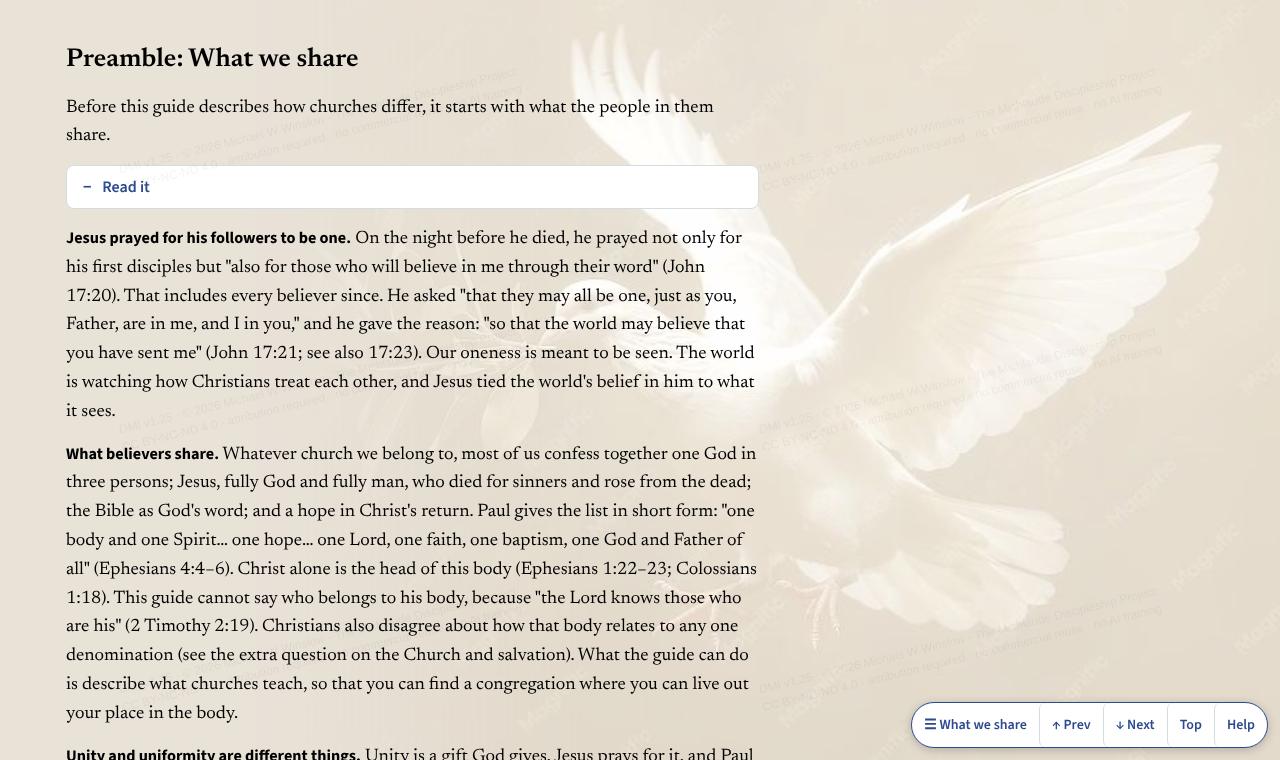
- How to use this guide
- What the guide does and does not do. It compares your answers with what each church teaches in its own documents. It does not say which answers are correct, rank anyone’s faith, or tell you where to worship, and it measures stated teaching only. The first sentence shows on the page; press Read it to read the rest.
- The questionnaire
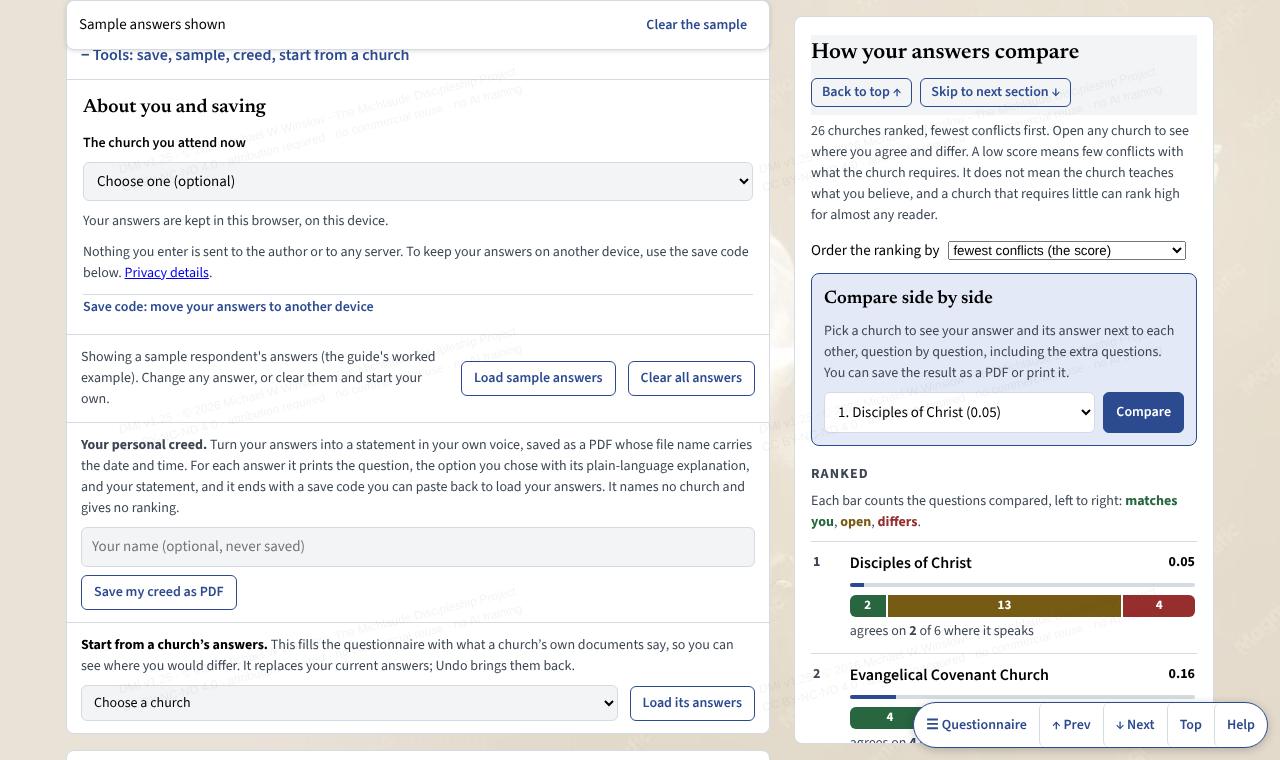
- Nineteen main questions. Choose the option closest to what you hold. Under each one, a menu asks how much the question matters to you; that weighs your result. Answer one question at a time gives a quieter screen, and Skip leaves a question for later. Extra, unscored questions are listed under Show all questions; they never change a score. Your answers are kept in this browser only.
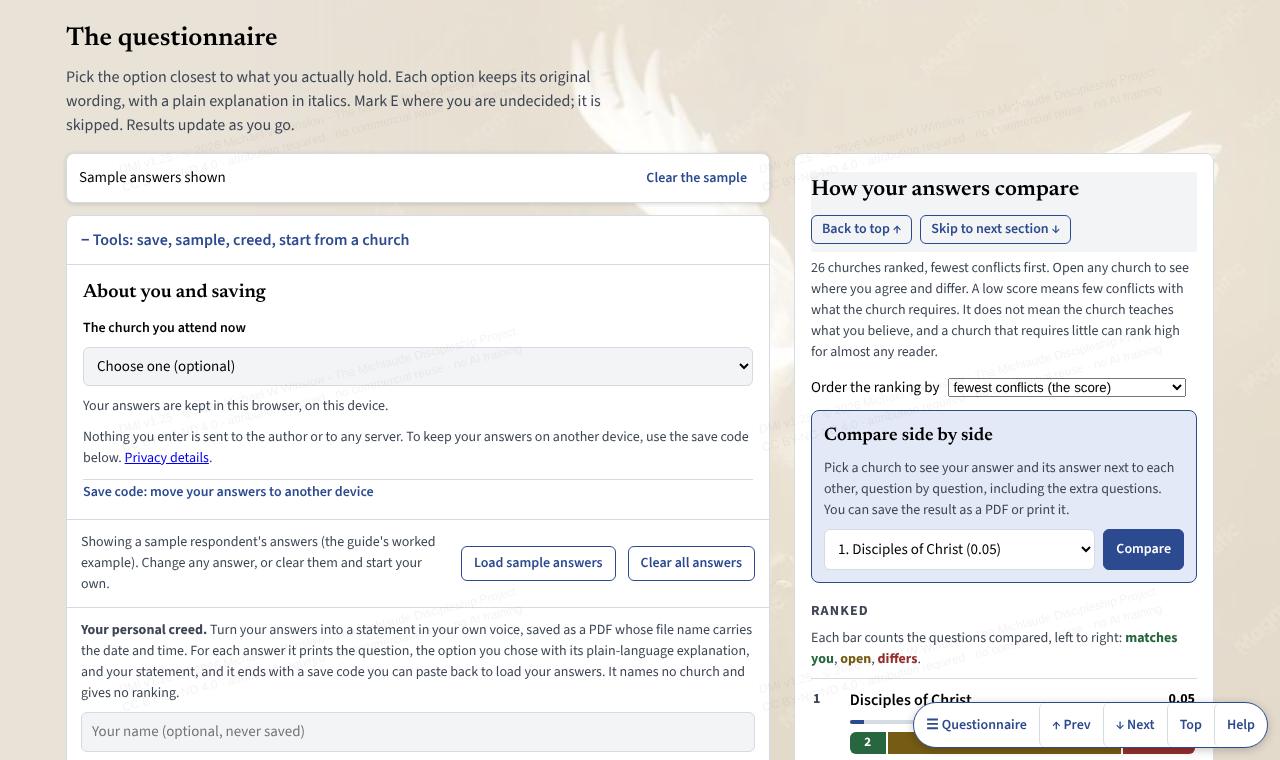
- Tools: save, sample, creed, start from a church
- Open this to choose the church you attend now, copy a save code to move your answers to another device (Load code brings them back), Load sample answers to see how results look, Clear all answers to start over, and Save my creed as PDF to turn your answers into a personal creed.
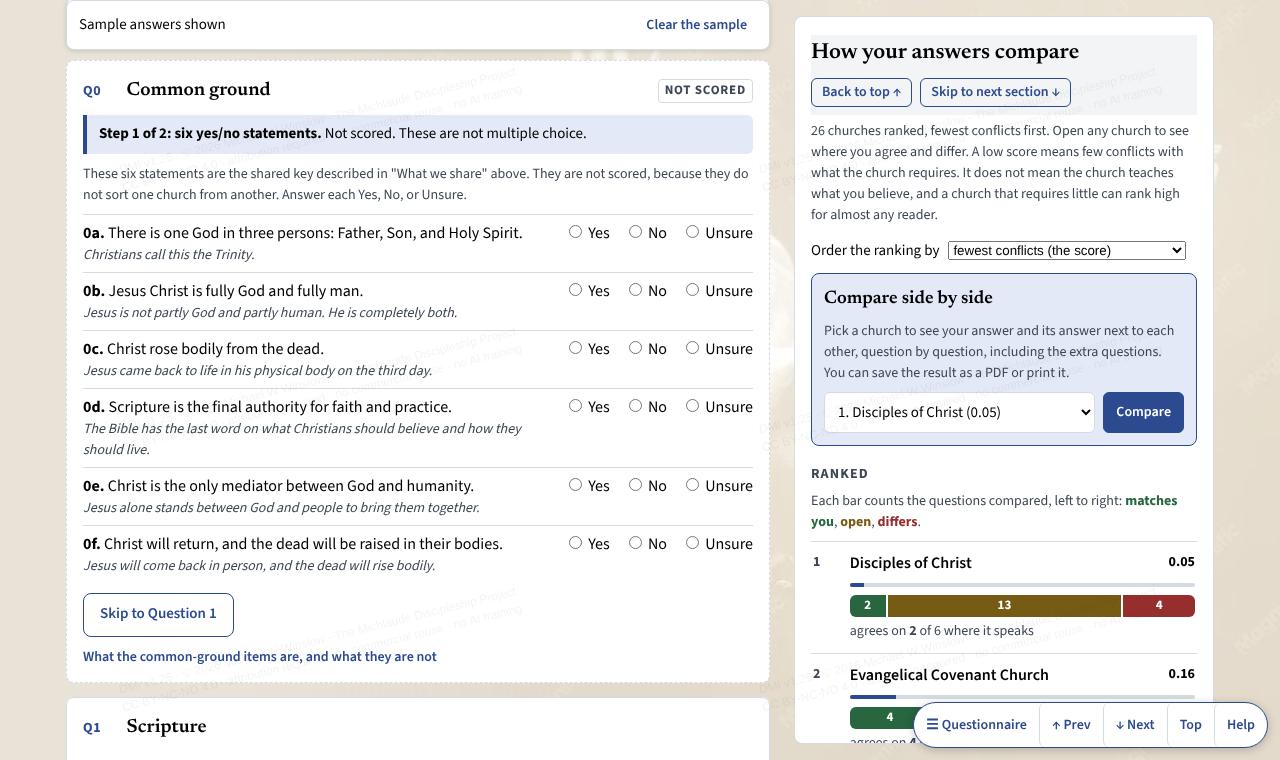
- Results
- The churches whose documents conflict least with your answers, in an order you can change (fewest conflicts, most matches, or where the church speaks). A church that requires little can rank high for almost anyone, so read the matches and the differences, not just the order. Share your result makes a picture or text with only the top three church names; nothing is sent until you press a button. Compare sets one church beside your answers.
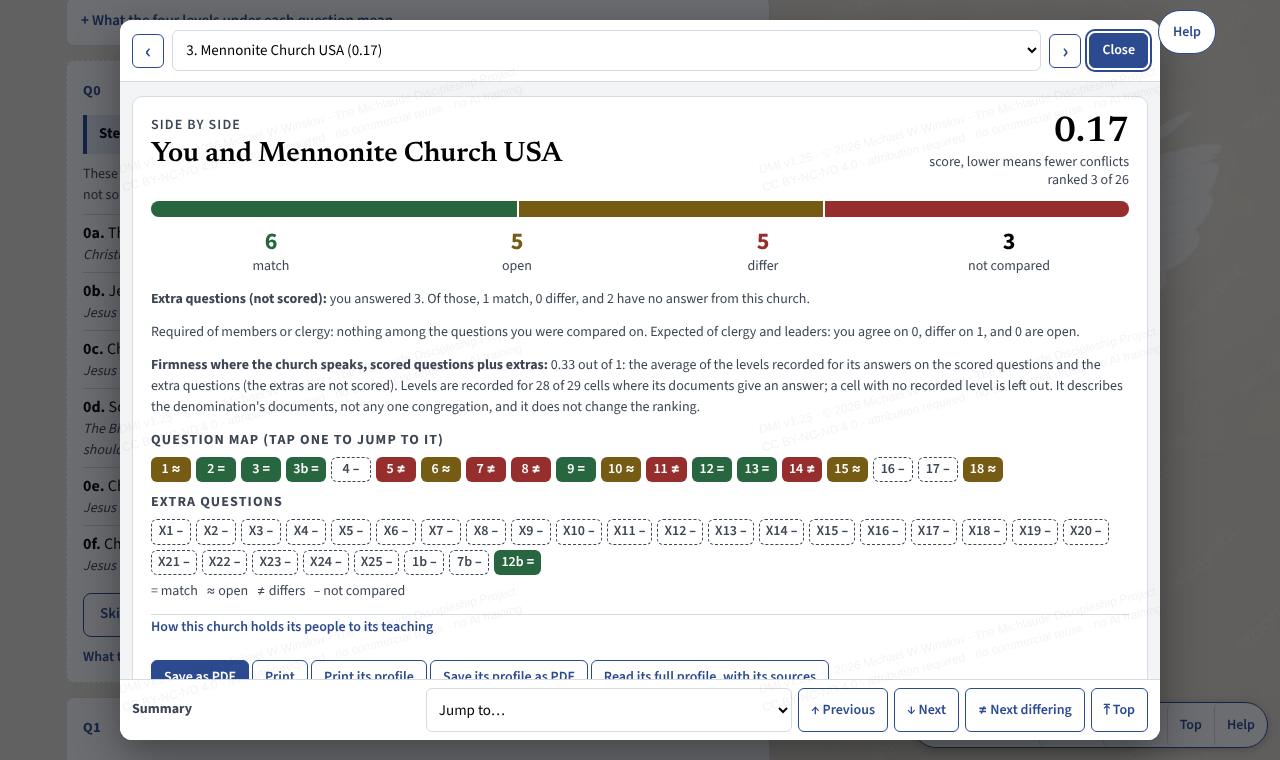
- Comparing two churches
- A full-screen view with your answer and the church’s answer side by side for every question, marked match, open or differs. Use the filter to show only the differences, the arrows to move between questions, and Save as PDF or Print this profile to keep a copy. Close returns you to where you were.
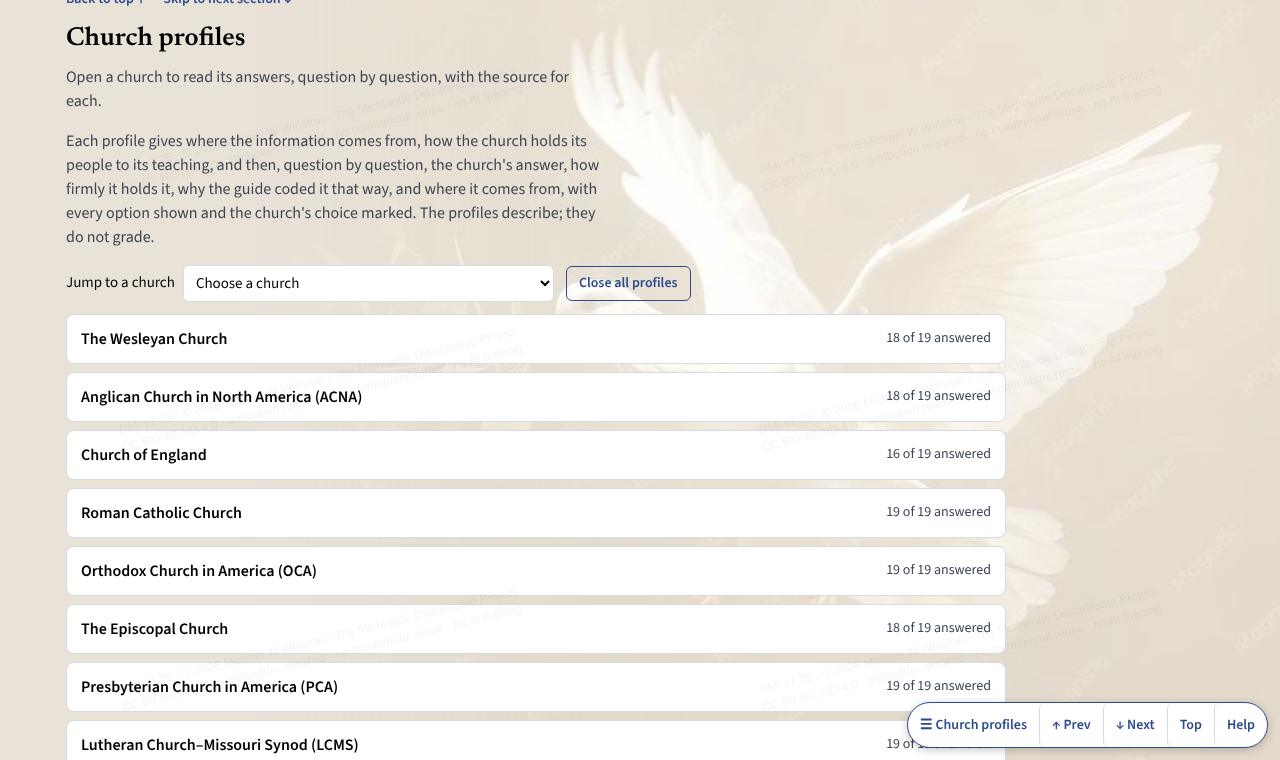
- Church profiles
- One entry for each church body: key facts, and what the church says on each question in its own words, with the source. Open one at a time. The church picker above them jumps to a church. Start from a church’s answers (above the questionnaire) loads a church’s answers so you can see how you would differ from it; Undo restores yours.
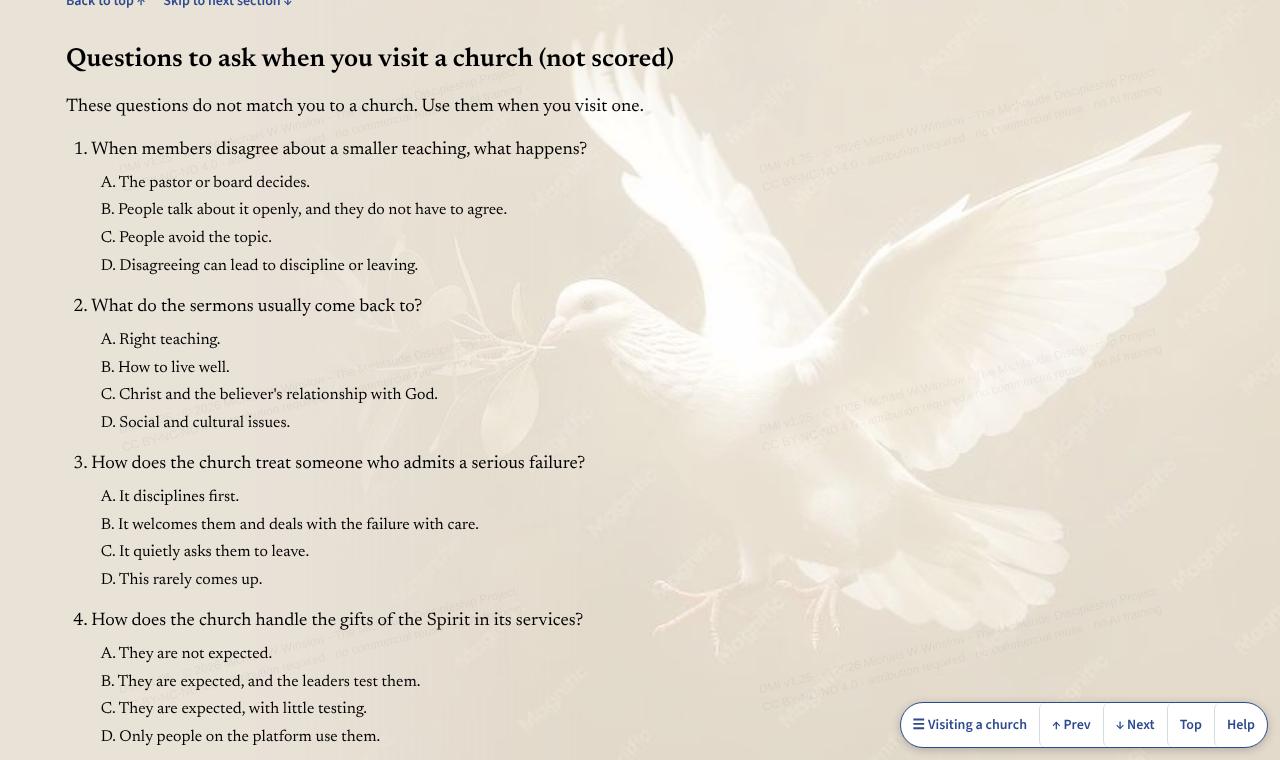
- Questions to ask when you visit a church
- Questions to ask when you visit a church. They are not scored and do not match you to a church; they cover things a written statement cannot tell you, such as what happens when members disagree.
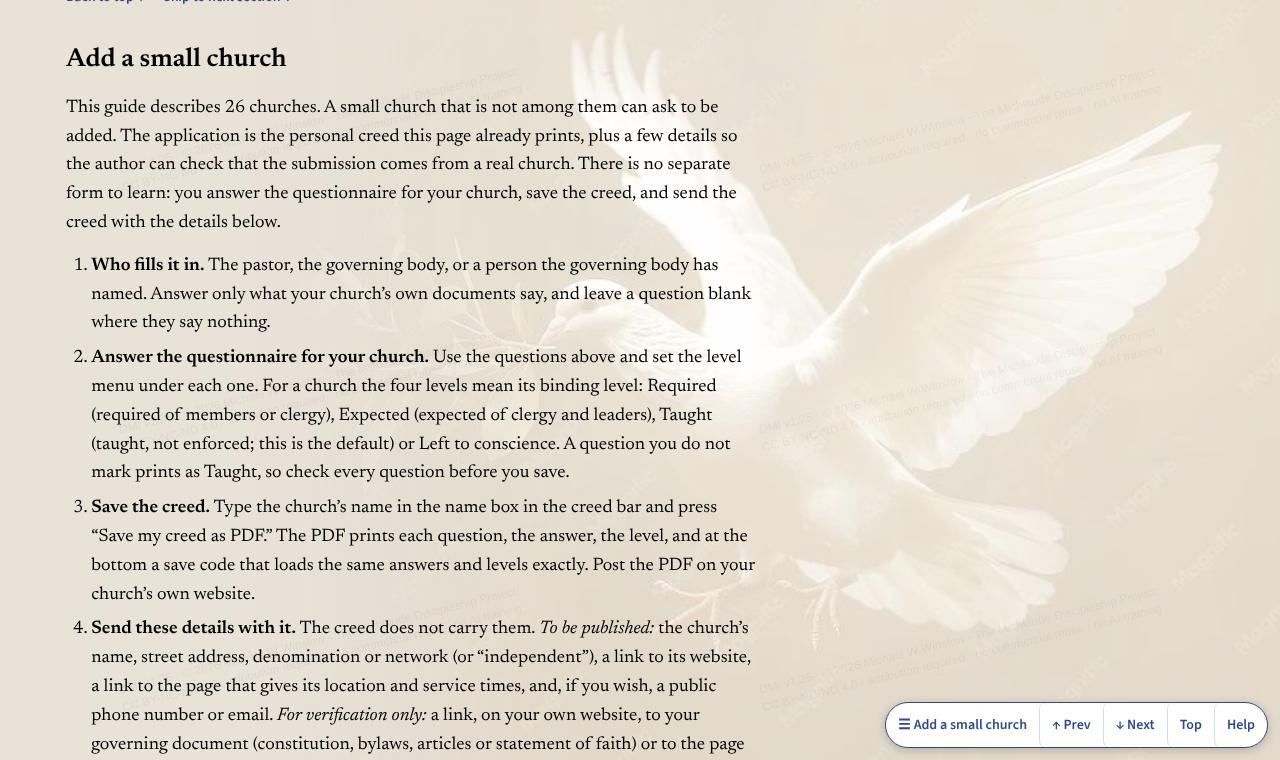
- Add a small church
- For a small church that is not among the 26. The pastor or governing body answers the questionnaire from the church’s own documents, saves the creed, and sends it with the details listed there.
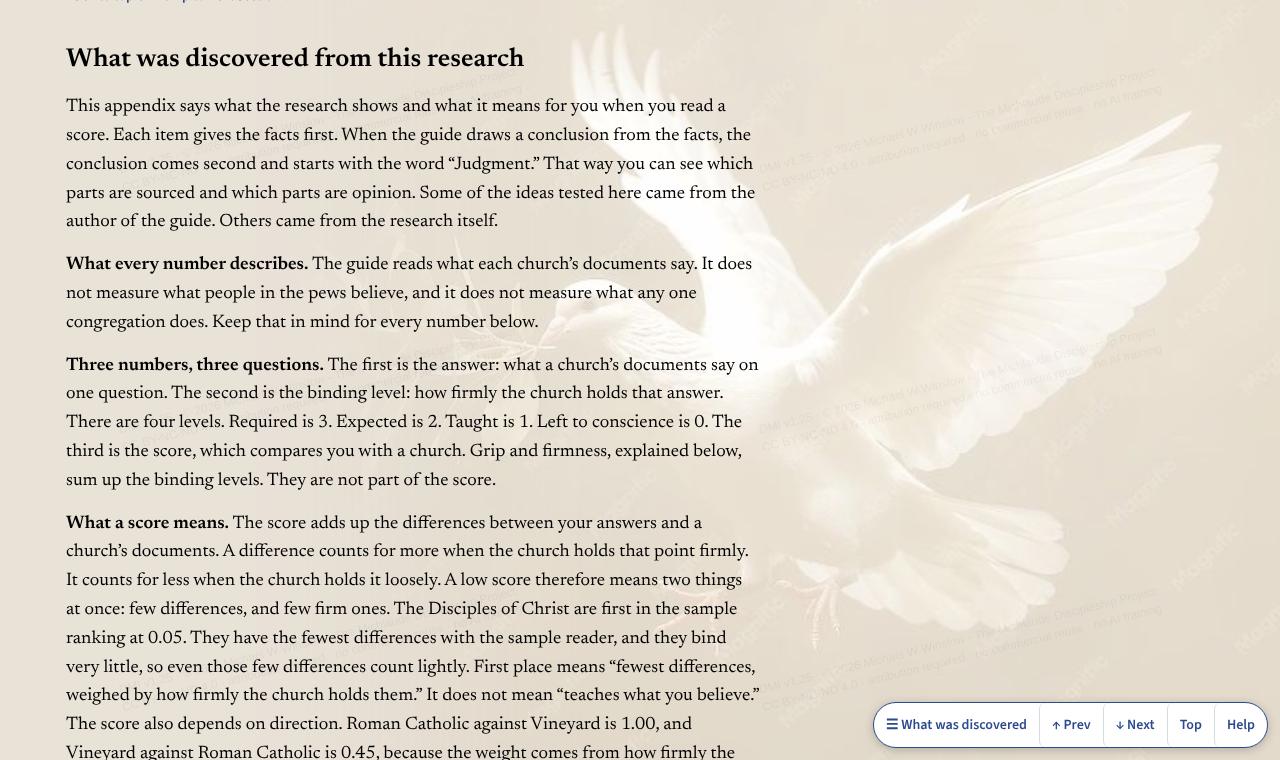
- What was discovered
- What the research found and what it means when you read a score. Facts come first; a conclusion drawn from them starts with the word “Judgment,” so you can see what is sourced and what is opinion.
- A closing word
- The author’s closing word: use the guide to understand other churches before you argue with them, and to pray for them by name.
- Terms of use and privacy
- The terms for sharing the guide, and a plain statement of what the page keeps. Your answers stay in this browser; nothing is sent to the author.