Help
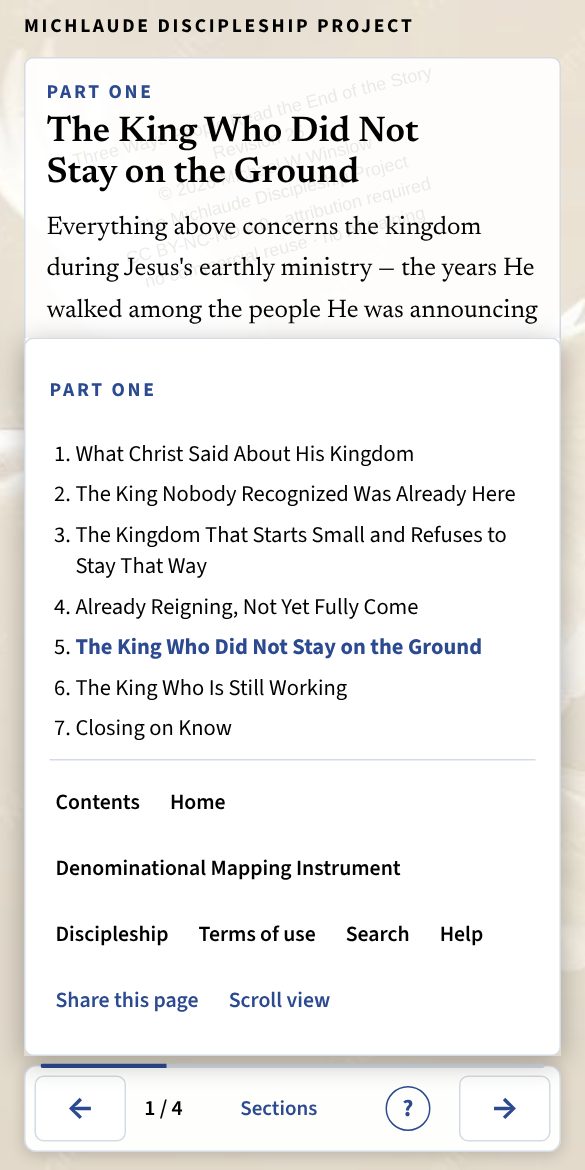
Sections and contents
Where: The Sections button in the bar; the list beside the text on a wide screen.
Every book has a contents page. Inside a part, Sections shows the sections of the part you are reading and lets you go straight to one. On a wide screen the list sits beside the text; on a phone it opens over the text, and Escape or a tap outside closes it.