Help
Finding your way
Where: The menu at the top of every page, and the foot of every page.
The menu leads to the main parts of the site: Find your church (the Denominational Mapping Instrument), Prophecy, Discipleship (the library), Blog, News, AI prompt tools, Read a shared document, About, Terms of use and Help. The foot of each page repeats these and adds Quote of the Day, Search, Contact the author and What’s new.
Help is the last item in the menu on every page. It opens this guide at the part that explains the page you are on. This guide is read like a book: Next and Previous turn the screens, the Sections list at the side (on a phone, the Sections button) jumps to a part, and Back in the bar at the foot of the screen returns you to the page you came from. When you read a book in pages, the bar there has a Help button too (a question mark on a phone); it opens in a new tab, so you do not lose your place.
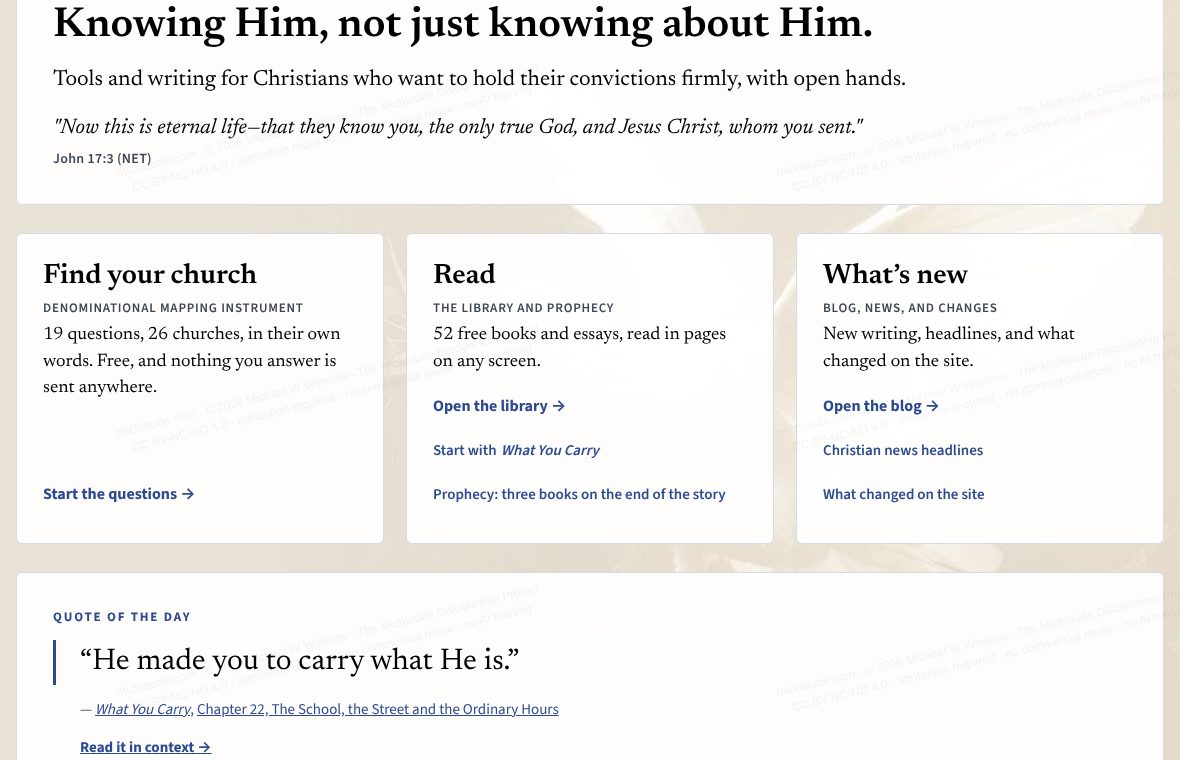
New here? The home page opens with three doors: Find your church (the questionnaire), Read (the library, with Prophecy and What You Carry one tap away) and What’s new (the blog, the news, and what changed on the site). The Quote of the Day sits just under them. What’s new lists what has been added, newest first.