

A Walk Through Building the Bible: The Bible Tree and the Tracer, Every Button Explained
On this page (7 sections)
Building the Bible has two charts. The Bible Tree shows where every Bible on the shelf comes from: the old copies at the roots, the trunk of one New Testament list, and four branches that split mostly in the 1500s. The Tracer follows eight disputed verses through ten Bibles, so you can see for yourself which ones carry a note. A picture beside the text follows what you read. This is a guided tour of every button, with screenshots. To follow along, open it at michlaude.com/building-the-bible. It works best on a large-screen PC, where the picture and the text sit side by side. Each screenshot has a Full size link under it.
What you are looking at
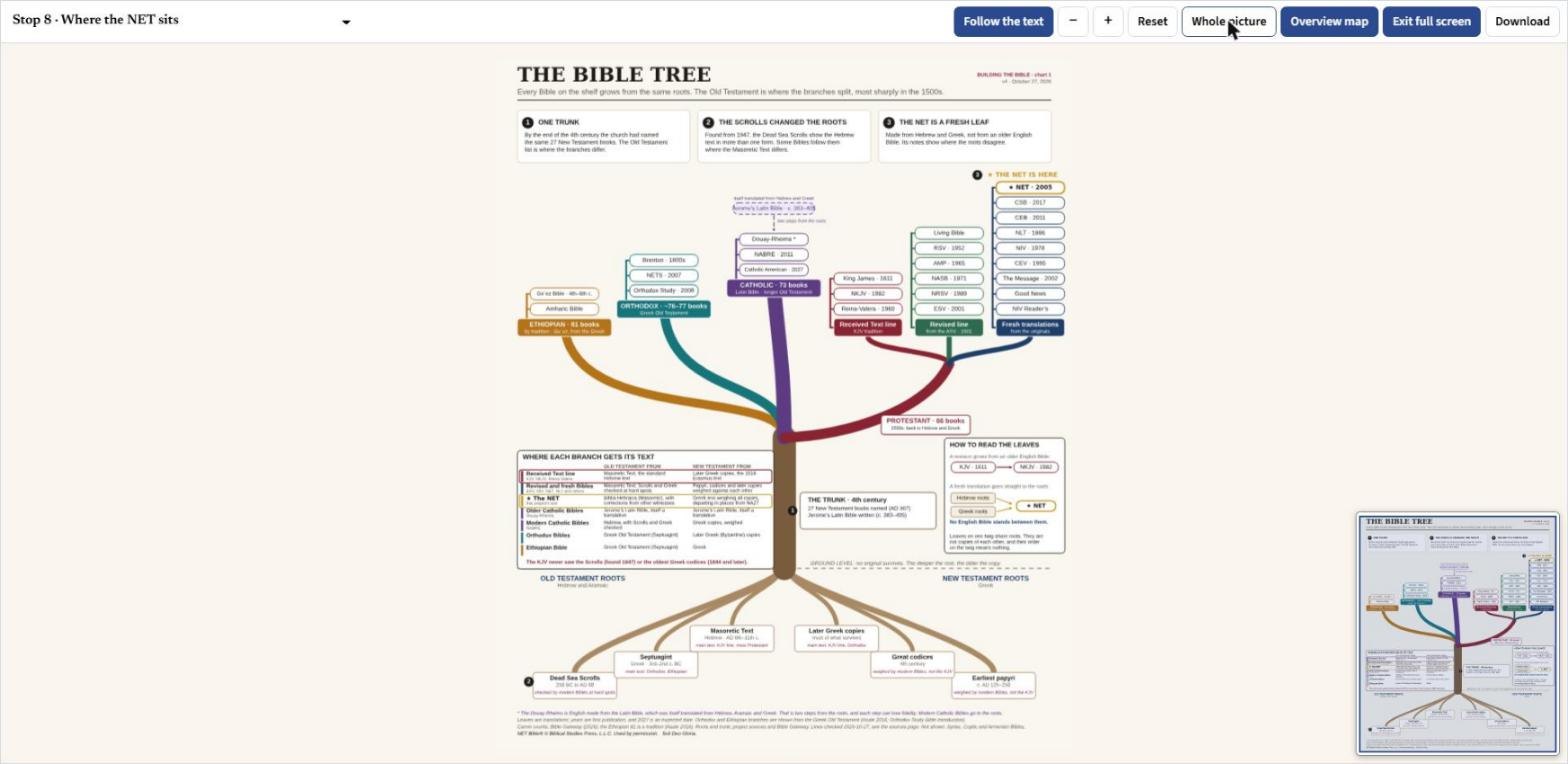
The Bible Tree opens with its title and three headline boxes. One: by the end of the fourth century the church had named the same 27 New Testament books, so the trunk is one. Two: the Dead Sea Scrolls, found from 1947, show the Hebrew text in more than one form, so they changed the roots. Three: the NET is a fresh leaf, made from Hebrew and Greek and not from an older English Bible. The rest of the walk takes those three ideas apart, one stop at a time.
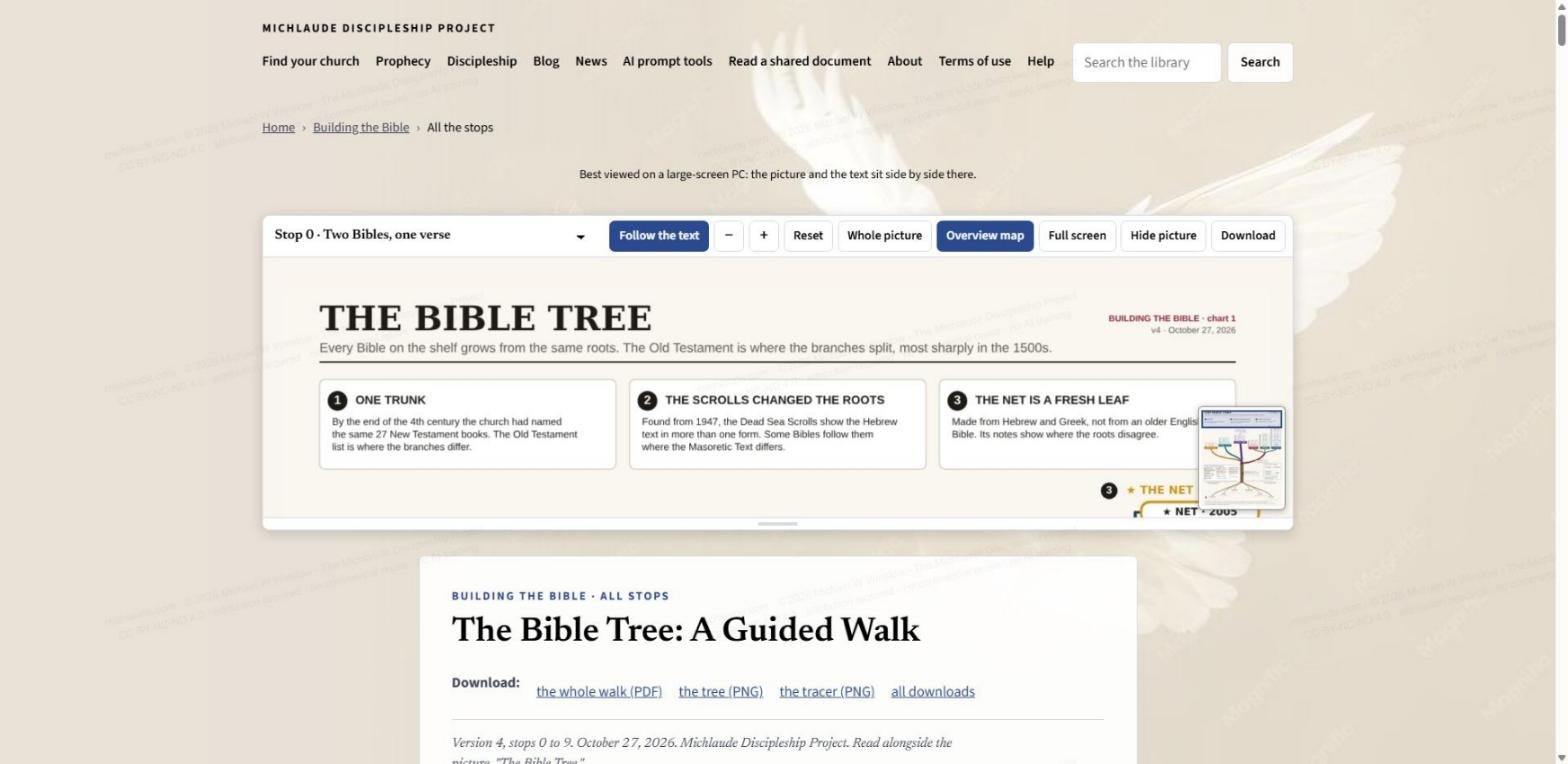
The toolbar, button by button
A row of buttons sits above the picture and stays in view as you scroll. From left to right:
- The stop menu. Lists the ten stops, from Stop 0, Two Bibles, one verse, to Stop 9, Back to the measure. Pick one and the picture jumps to it.
- Follow the text. When it is on (dark blue), the picture follows what you are reading. Scroll to a stop and the chart pans and zooms to the part that stop is about. The moment you click, drag or zoom the picture yourself, Follow turns off so the chart stays where you put it. Press the button again to hand control back to the text.
- Minus and plus. Zoom out and zoom in. You can also pinch, double-tap, or use the plus and minus keys on your keyboard.
- Reset. Takes the picture back to the framing for the stop you are on.
- Whole picture. Fits the entire chart in the pane.
- Overview map. Shows or hides the small thumbnail in the corner of the picture. It is a map of both charts with a box on the part you are looking at, so you never lose your place when you zoom in.
- Full screen. Fills the window with the chart. An Exit full screen button takes you back.
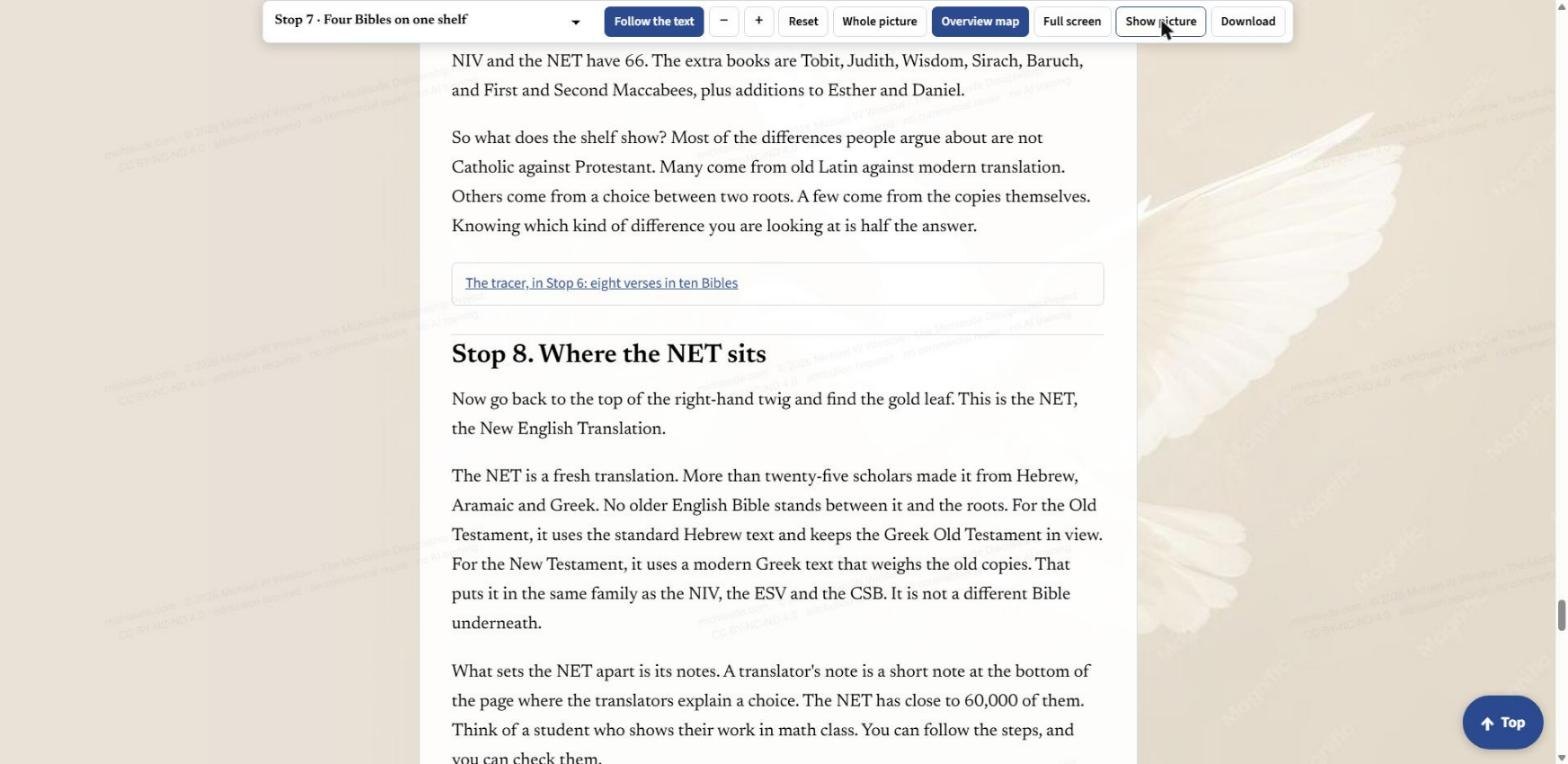
- Hide picture. Folds the chart away so you can simply read. The button then says Show picture.
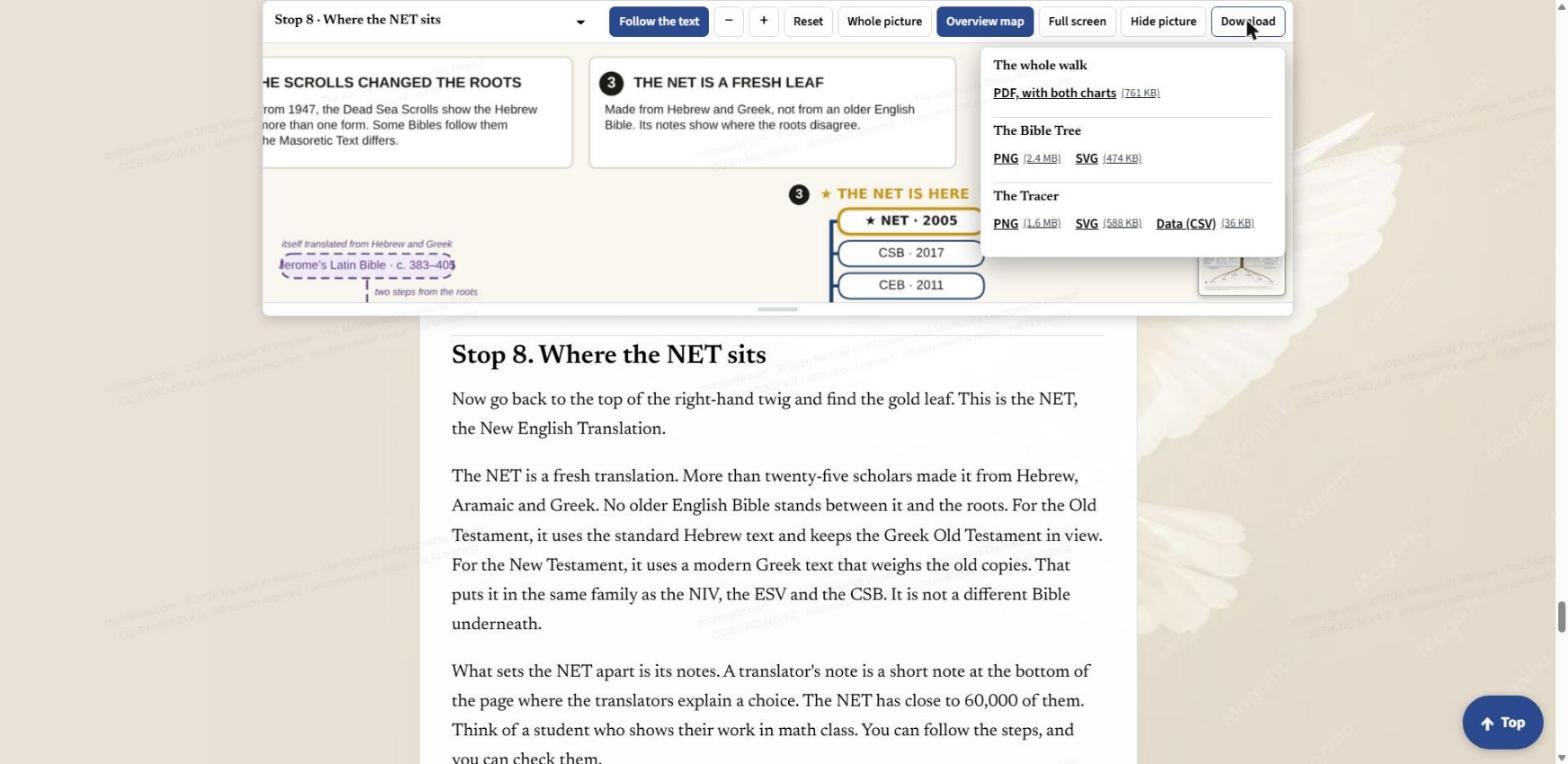
- Download. Opens the download menu, covered below.
Unlike the timeline and the Prophecy Explorer, this chart has no layer buttons. Everything is on the page at once, and the stops do the choosing for you.
Walking the stops
The text is divided into ten stops, and they go from the ground up. Stop 1 is the roots. Stop 2 is the Dead Sea Scrolls. Stop 3 is the trunk, the one list of New Testament books. Stop 4 is the four branches. Stop 5 is the twigs and leaves, where your Bible sits. Stop 6 is three verses where Bibles differ. Stop 7 puts four Bibles on one shelf. Stop 8 is where the NET sits. Stop 9 goes back to the measure.
Turn Follow the text on and just scroll. At Stop 1 the picture drops to the roots. A "Top" button at the bottom right of the page takes you back to the start, with the site menu.
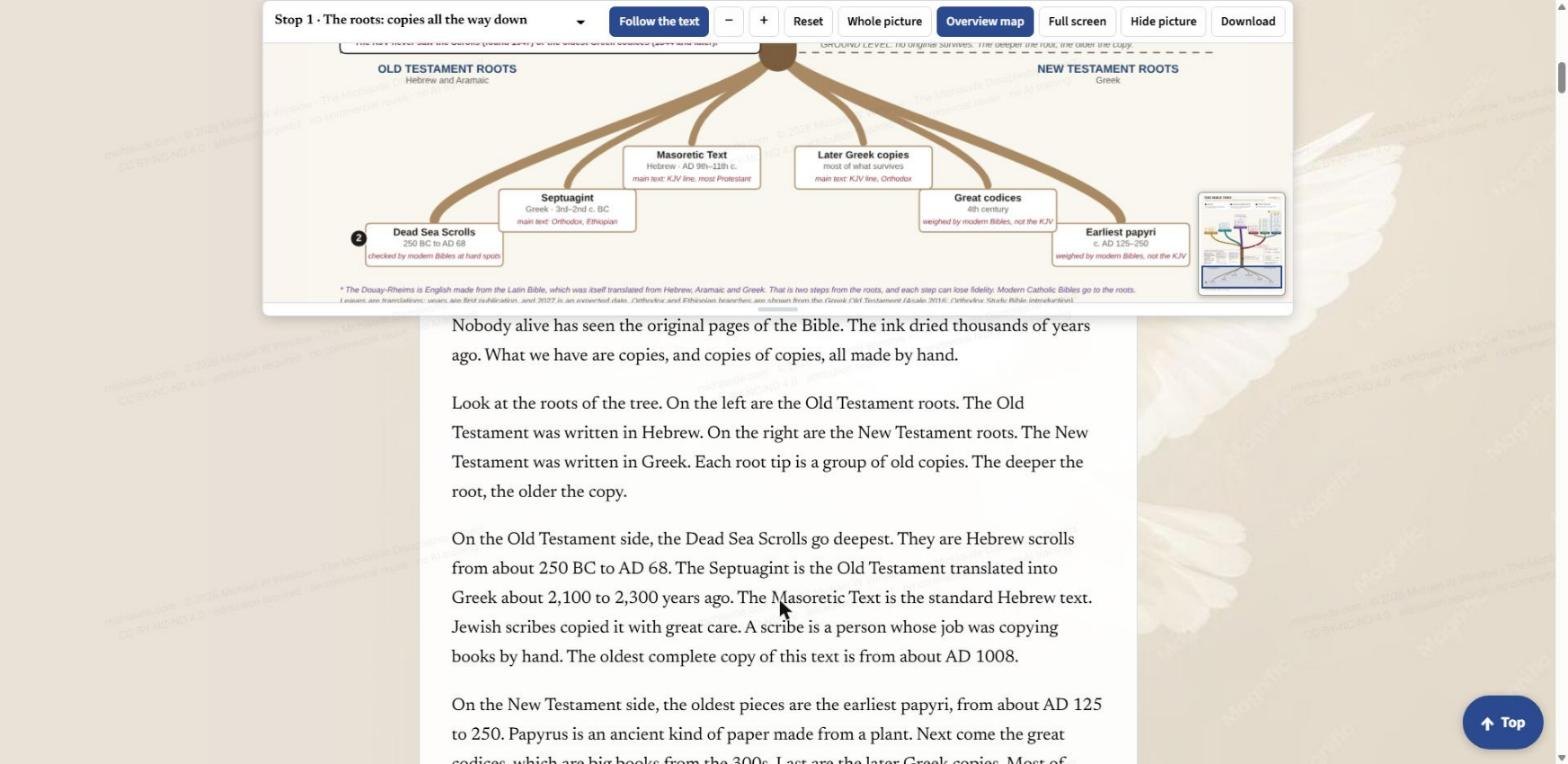
The roots. Nobody alive has seen the original pages of the Bible; what we have are copies, and copies of copies. On the left are the Old Testament roots, in Hebrew: the Dead Sea Scrolls, the Septuagint (the Old Testament in Greek) and the Masoretic Text. On the right are the New Testament roots, in Greek: the later Greek copies, the great codices and the earliest papyri. The deeper the root, the older the copy.
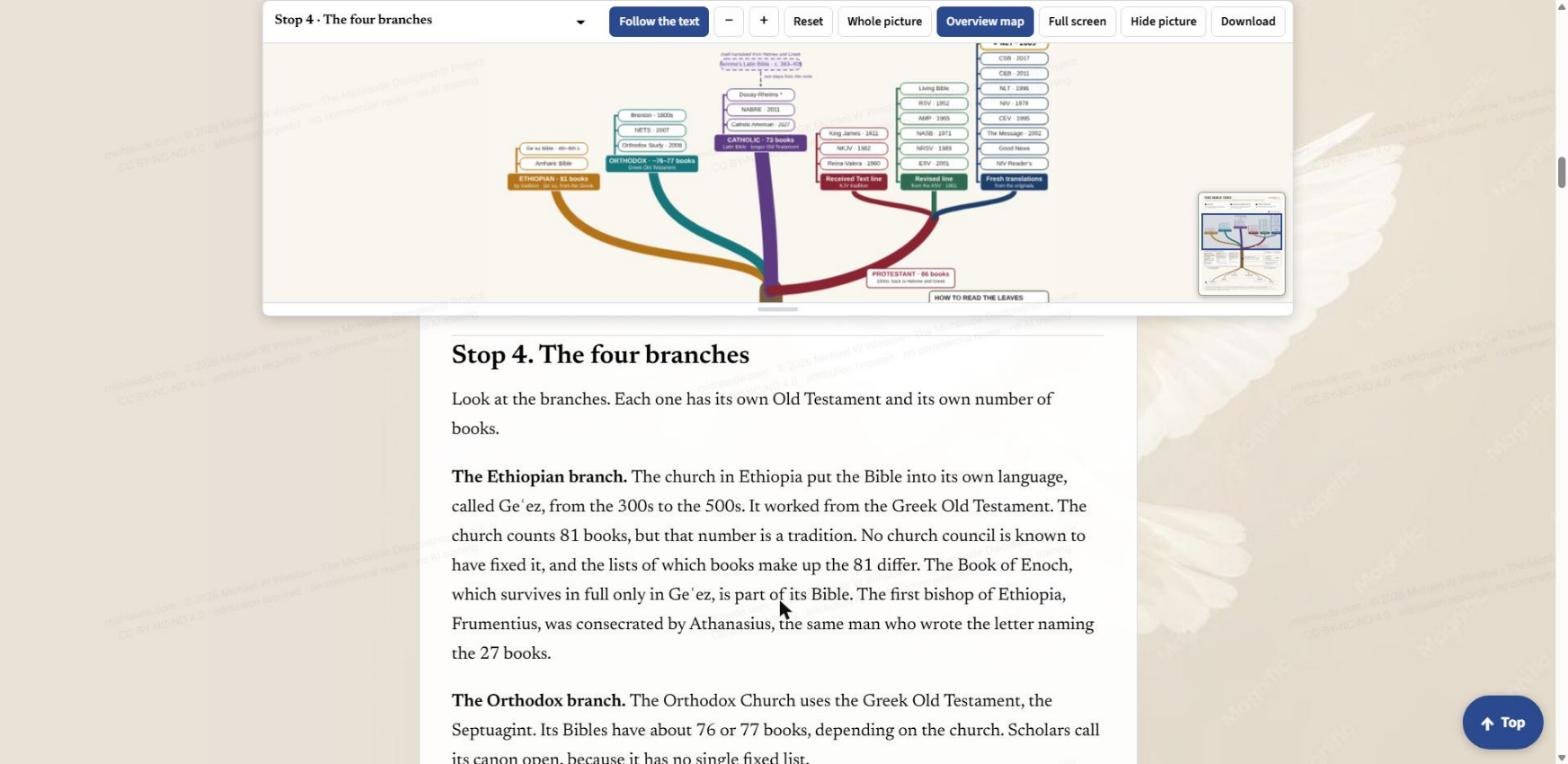
The four branches. Each branch has its own Old Testament and its own number of books. The Ethiopian branch counts 81 books, by tradition. The Orthodox branch has about 76 or 77. The Catholic branch has 73. The Protestant branch has 66, and it splits into three twigs: the Received Text line (the King James, the New King James and Reina-Valera), the Revised line that grows from the ASV of 1901, and the fresh translations made from the originals, such as the NET, the CSB, the NIV and the NLT.
The Tracer
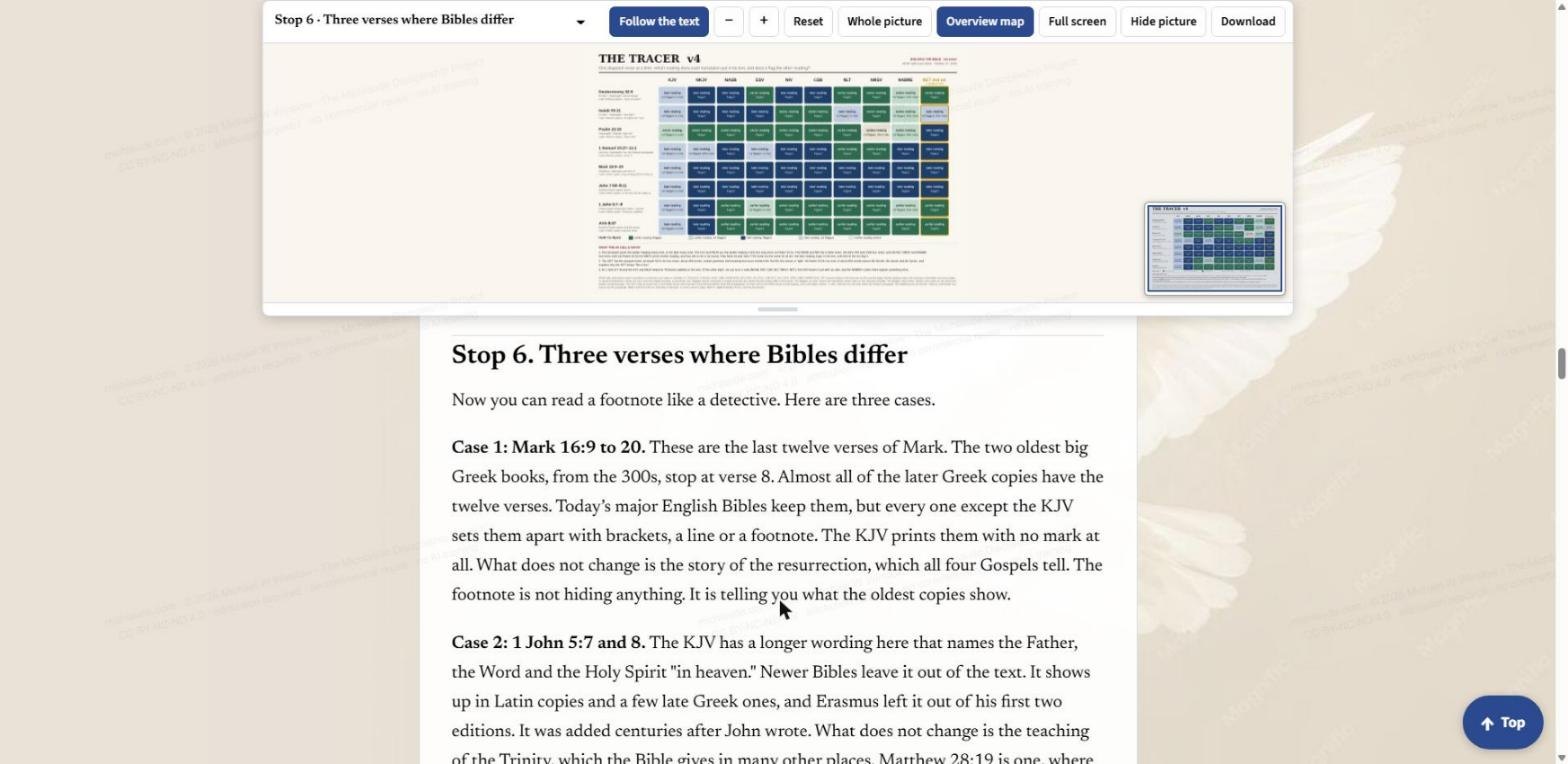
At Stop 6 the picture moves from the tree to the Tracer. It is a grid. Across the top are ten Bibles: KJV, NKJV, NASB, ESV, NIV, CSB, NLT, NRSV, NABRE and NET. Down the side are eight verses where Bibles differ: Deuteronomy 32:8, Isaiah 53:11, Psalm 22:16, 1 Samuel 10:27 to 11:1, Mark 16:9 to 20, John 7:53 to 8:11, 1 John 5:7 and 8, and Acts 8:37. Each cell says whether that Bible flags the verse with a note. A dark cell means flagged. A light cell means not flagged. A cream cell means that Bible prints neither reading. The NET column has a gold outline, so you can find it quickly.
The text walks through three of the cases. In Mark 16:9 to 20, the two oldest big Greek books stop at verse 8, and almost all later copies have the twelve verses. Today's major English Bibles keep them, but every one except the KJV sets them apart with brackets, a line or a footnote. In 1 John 5:7 and 8, the KJV has a longer wording that newer Bibles leave out of the text. The footnote, as the page says, is not hiding anything. It is telling you what the oldest copies show.
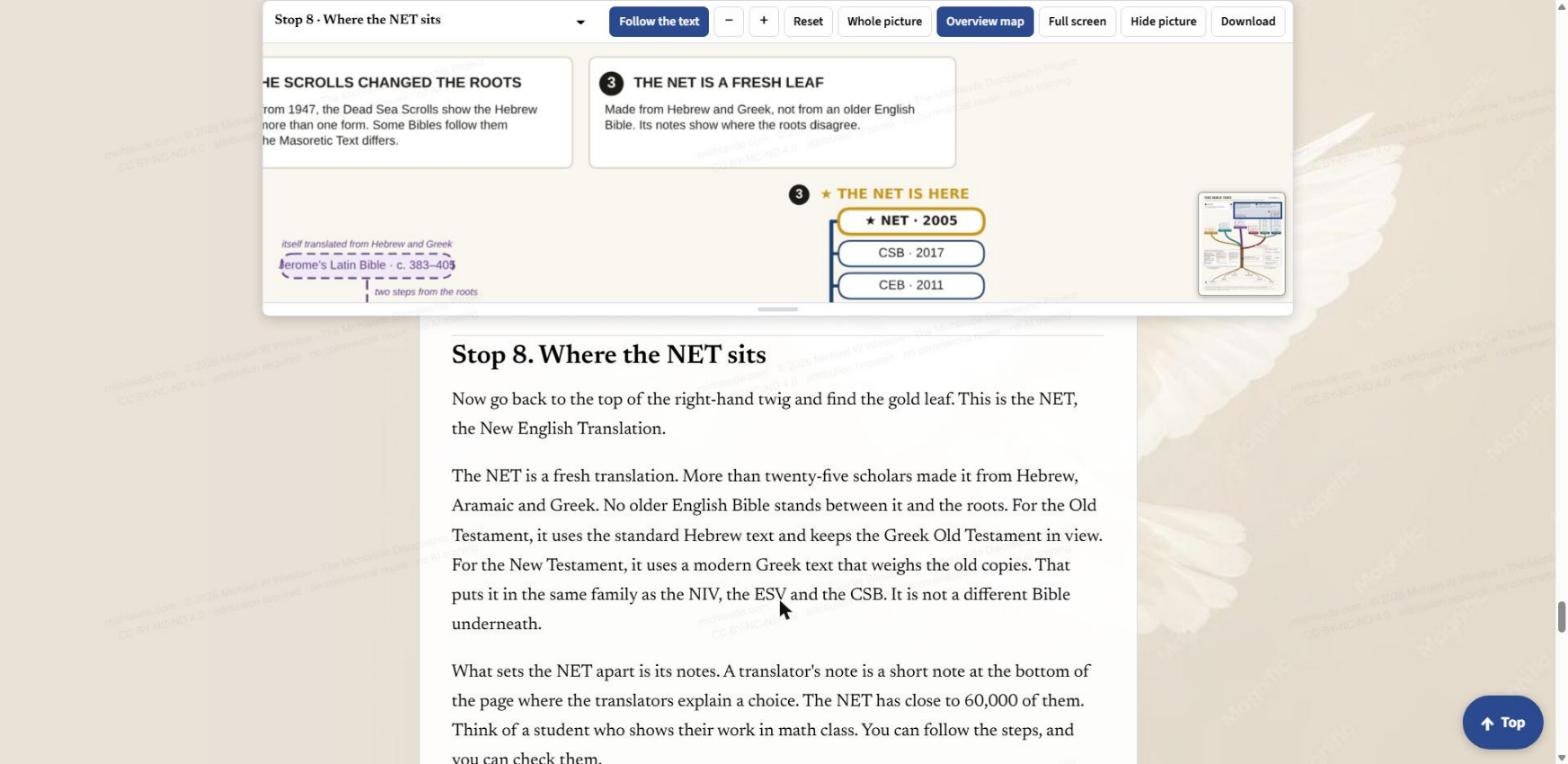
Where the NET sits. At Stop 8 the picture returns to the top of the right-hand twig and finds the gold leaf. More than twenty-five scholars made the NET from Hebrew, Aramaic and Greek, with no older English Bible between it and the roots. What sets it apart is its notes: close to 60,000 translators' notes that show their work, so you can check the choices.
Full screen, Hide picture and Download
Full screen gives the chart the whole window. The toolbar stays along the top, so everything above still works there. Whole picture, shown here, fits the entire Bible Tree in the window at once.
Hide picture folds the pane away when you want to read without the chart. Press Show picture to bring it back.
Download opens a menu. The whole walk comes as one PDF with both charts printed in it. The Bible Tree and the Tracer each come as a PNG or as an SVG you can scale to any size, and the Tracer also comes as a CSV data file.
Moving around the picture
Drag the picture to move it. Pinch, double-tap, or use the plus and minus keys to zoom. Under the picture there is a small handle: drag it, or use the up and down arrow keys, to make the picture taller or shorter.
A good way to start
Open Building the Bible, turn Follow the text on, and read Stop 0. Scroll down to the roots, then up the trunk to the four branches, and find the Bible you read on the shelf. Then go to Stop 6 and look at the Tracer: pick a verse you have wondered about and see which of the ten Bibles flag it. The chart does not tell you which Bible to read. It shows where each one comes from, and where its notes say the roots disagree.
Share this post:Share on Facebook